








Ciao, DJ! Spotify’s AI Maverick Finally Speaks Your Language
The voice in your pocket is getting a multilingual upgrade. As of May 7, 2026, Spotify has officially expanded its popular AI DJ feature to support four new languages: French, German, Italian, and Brazilian Portuguese. This move marks a major milestone in Spotify’s global rollout strategy, moving the feature out of its long-standing “English-only” phase and into some of its most active international markets.
1. Meet the New Voices
Spotify didn’t just translate the script; they developed four unique AI personas to ensure the “DJ vibe” feels culturally authentic to each region.
-
Maïa (French): Described as “effortlessly cool,” Maïa treats listeners like a friend with impeccable taste.
-
The Global Expansion: Alongside the language update, the DJ is now launching for Premium users in Austria, Brazil, France, Germany, Italy, Portugal, South Korea, Switzerland, and more—bringing the total reach to over 75 markets.
2. Beyond Translation: The “Hyper-Local” Experience
The magic of the AI DJ isn’t just the voice; it’s the commentary.
-
Cultural Nuance: Local teams worked to ensure the DJ understands regional music scenes. For instance, the Italian DJ might comment on the latest Sanremo trends, while the Brazilian Portuguese DJ can discuss the rise of local Sertanejo or Funk.
-
Request System: Users in these regions can now use voice requests in their native tongue to “switch up the vibe,” asking the DJ to pivot to “Date Night” or “Party Mode” without switching to English.
3. The Technology Behind the Booth
Spotify continues to refine the mix of human expertise and generative AI.
-
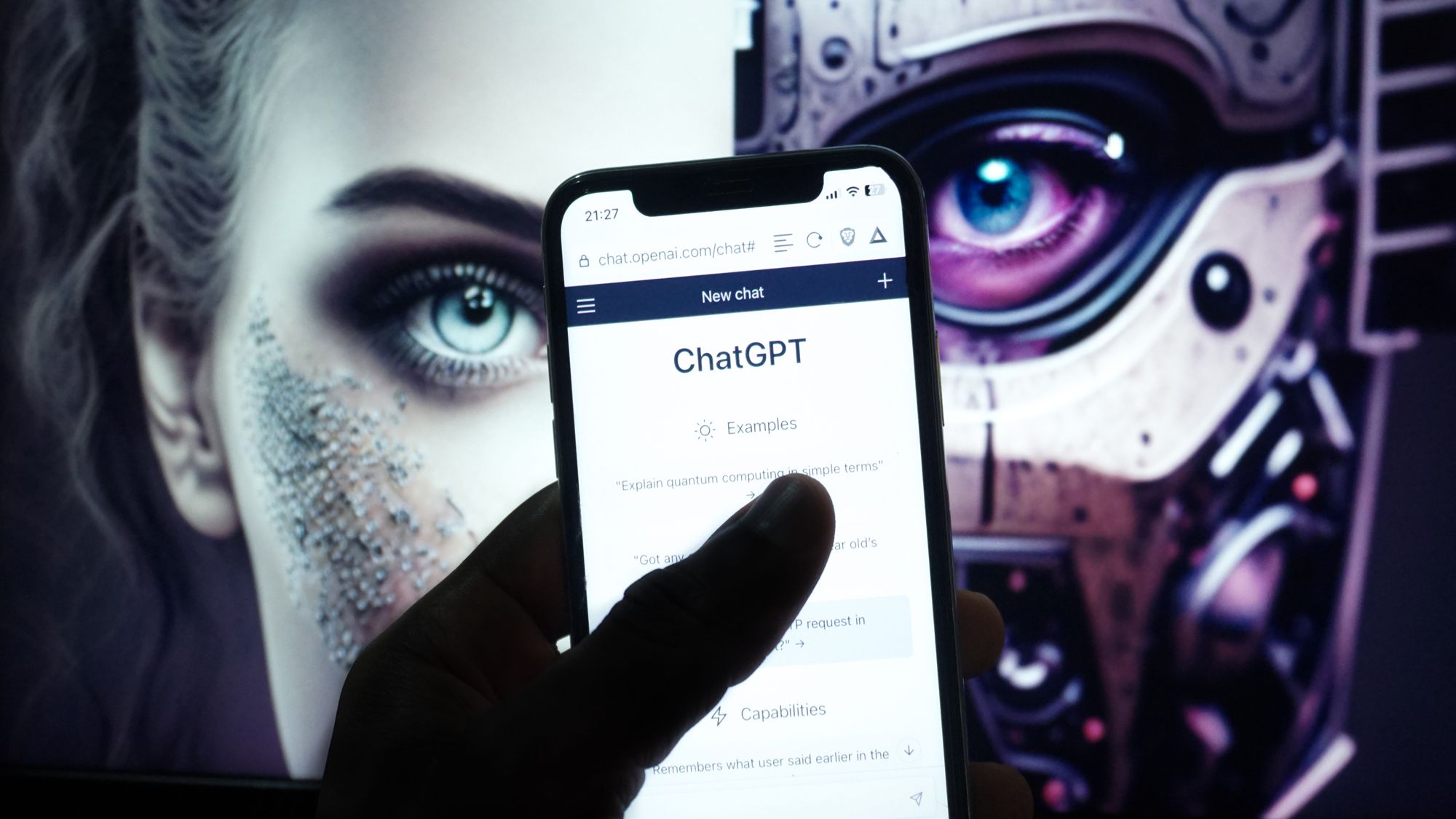
Voice Synthesis: The new voices utilize OpenAI’s latest text-to-speech technology, which was trained to capture the specific cadence, slang, and emotional tone of radio DJs in each respective country.
-
Data-Driven Mixtapes: The AI still relies on your personal listening history, but it now better integrates local “Discovery” tracks that are trending in your specific geographic region.
4. How to Find Your New DJ
If you are in one of the newly supported markets, here is how to access the feature:
-
Open the Spotify App on your mobile device.
-
Navigate to the Music Feed on the Home screen.
-
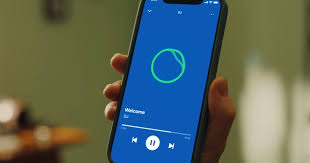
Tap on DJ (look for the green circle icon).
-
Alternatively, simply search for “DJ” in the search bar.